R.ABazar
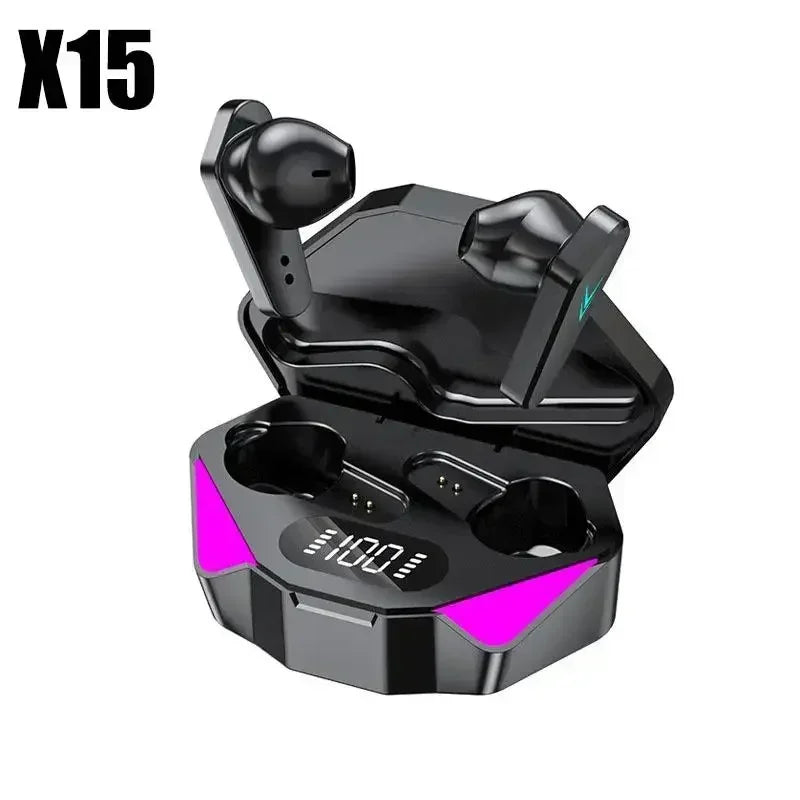
X15 TWS Bluetooth Wireless Earphones V5.1 - In-Ear Sports Headset with Low Latency & HiFi Sound for Gaming
X15 TWS Bluetooth Wireless Earphones V5.1 - In-Ear Sports Headset with Low Latency & HiFi Sound for Gaming
Couldn't load pickup availability
SPECIFICATIONS
Active Noise-Cancellation: No
Battery Capacity[mAh]: 500
Battery life up to[hours]: 4
Bluetooth Version: 5.0
Brand Name: other
Category: Earphones & Headphones
Certification: CE,FCC
Charging Method: Charging case
Choice: yes
Codecs: None
Communication: True wireless
Connectors: Type c
Control Button: Yes
Depth[mm]: 80
Earcups Type: Semi-open
Features: Waterproof,With microphone,Active Noice Cancelling,Dual Connection
Function: for Video Game,Common Headphone,For Mobile Phone,HiFi Headphone,Sport,For Outdoor,For Swimming
Headphone Pads Material: Silicone
Height[mm]: 60
High-concerned chemical: None
Impedance Range: up to 32 Ω
Is wireless: Yes
Magnet Type: Ferrite
Material: Plastic,TPU
Max Output: 200
Maximum wireless range[m]: 40m-50m
NFC Technology: No
Number Of Drivers: 2
Origin: Mainland China
Package List: User Manual,Charging case,Charging Cable
Plug Type: None
Sound Isolating: Yes
Style: Tws in-ear headphones
Support APP: No
Total Harmonic Distortion: 0.1
Vocalism Principle: Hybrid Technology
Voice assistant built-in: No
Volume Control: Yes
Waterproof: No
Weight[g]: 30
Width[mm]: 100
Wireless Type: Bluetooth
With Microphone: Yes


Bluetooth Connection Guide
If one earbud has no sound, it means the two earbuds failed to pair—not a quality issue!
Please follow the steps below (or refer to the video) to pair the Bluetooth:
Step 1: Pair the Two Earbuds
Open the case and remove both earbuds.
Place the two earbuds close together (they will enter pairing mode automatically).
The LED indicators will flash red and blue alternately.
When one earbud stops flashing, the pairing is successful.
Step 2: Connect to Bluetooth
After successful pairing, enable Bluetooth on your phone.
Search for and select the device named "TWS" to connect.
Once connected, the earbuds are ready to use.
Note: If pairing/connection fails, place both earbuds back into the case and repeat the steps.